

手把手教你使用frp搭建内网穿透
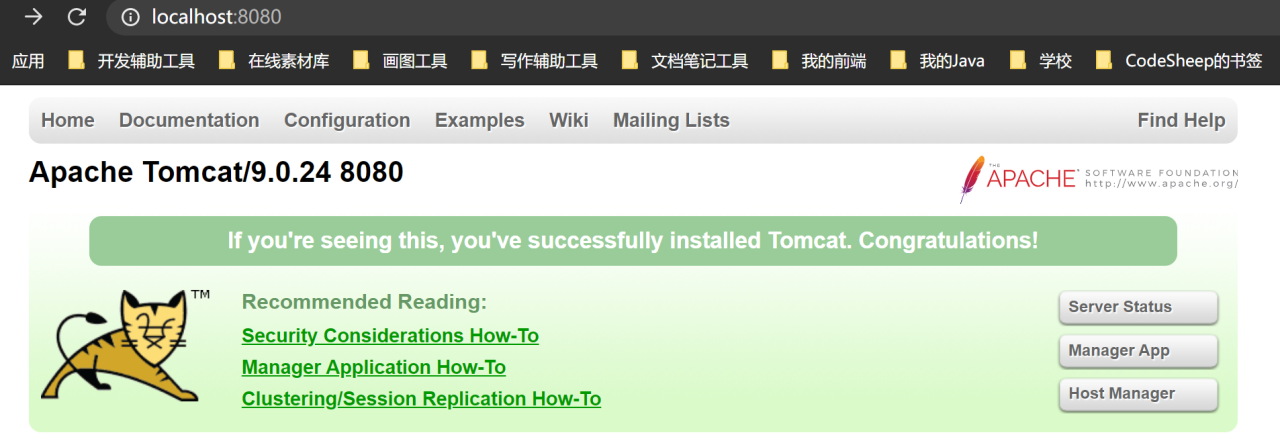
实现效果,访问本地localhost:8080的资源
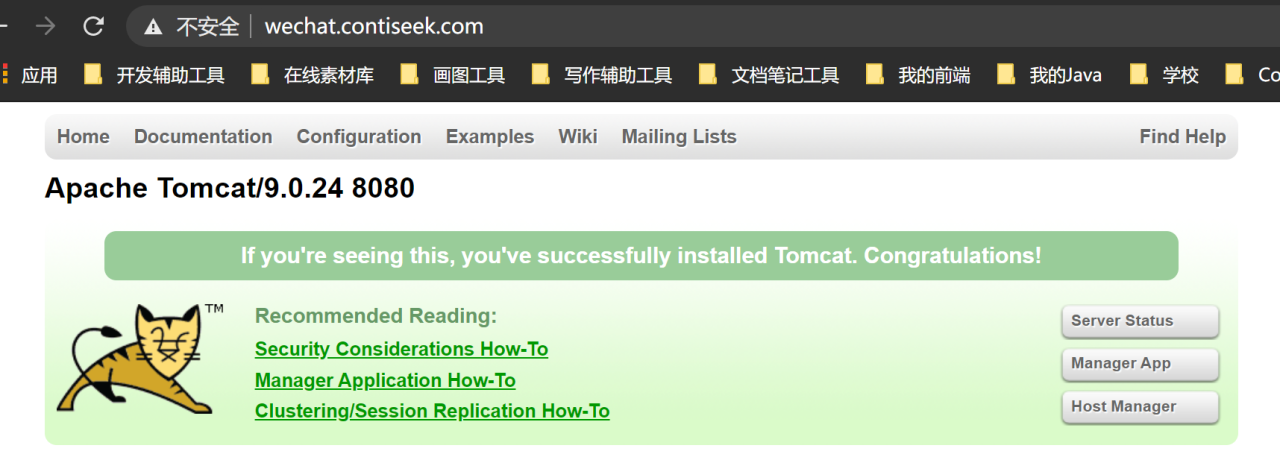
通过域名访问
首先要准备服务器一台、已备案的域名一个,我这里的服务器的系统是CentOS7 64位,其它系统也可,域名可以找一个子域名即可。本地电脑是windows平台。
- 开放服务器响应的端口,对应后面自己使用的端口;我这里测试时直接把入站规则和出战规则全部放开了

- 将域名解析到服务器对应的公网
ip上,泛解析一个子域名即可

我使用的是第二个,即 *.contiseek.com
- 下载
frp软件
服务器端linux选择:

本地windows选择:

并下载一个linux端的nginx,选择稳定版本下载nginx

- 配置并启动
将服务器端的frp解压并上传到服务器,我使用的是宝塔面板,直接拖进去就可以了。
打开解压后的文件夹下的frps.ini,简单配置为这样:
[common] bind_port = 36666 #与本地windows主机通信端口 vhost_http_port = 36665 #外部访问端口,后面通过nginx转发到80端口 subdomain_host = contiseek.com #泛解析域名后半部分 解压本地端的frp,修改frpc.ini,简单配置如下:
[common] server_addr = 你的服务器公网ip server_port = 36666 #服务器与本地windows主机通信端口,与服务器端保持一致 [web] type = http local_ip = 127.0.0.1 #本地访问地址 local_port = 8080 #本地访问端口 subdomain = wechat #域名的前半部分,最后域名为wechat.contiseek.com 启动服务器端,在linux解压的frp路径下执行该命令
./frps -c ./frps.ini 启动客户端,在windows解压的frp路径下执行该命令
frpc.exe -c frpc.ini 当客户端出现success时,表示连接成功,随便启动一个tomcat,端口为8080

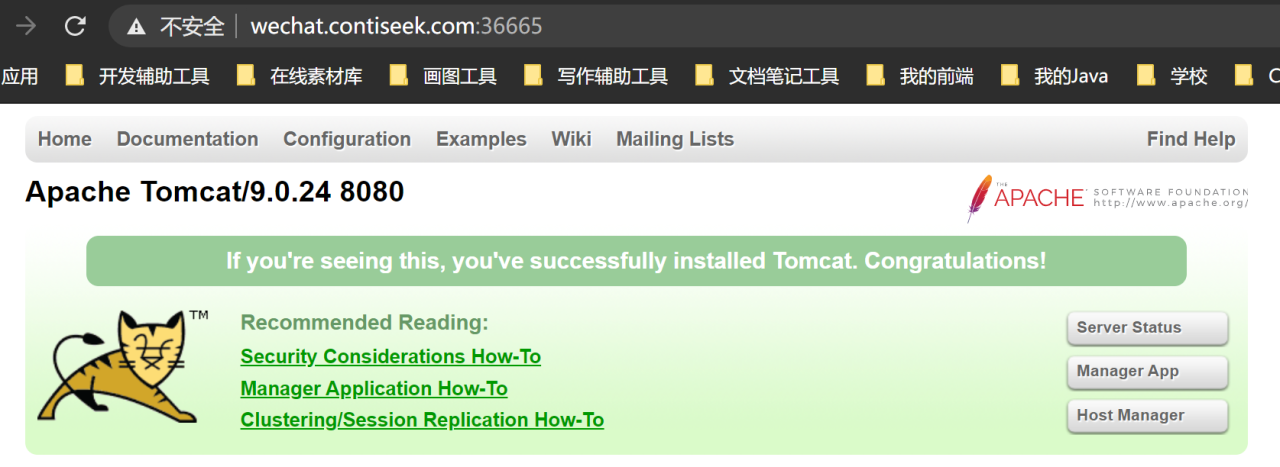
在浏览器路径中访问:wechat.contiseek.com:36665,即可访问到本地的 localhost:8080
- 配置
nginx,将服务器的36665端口映射到80端口
同样,解压nginx,放入服务器,打开nginx下的conf/nginx.conf文件
在http下配置:
server { listen 80; #监听80端口 server_name *.contiseek.com; #当请求中有contiseek.com时 location / { proxy_pass http://127.0.0.1:36665/; #将请求映射到36665端口 proxy_set_header X-Forwarded-For $proxy_add_x_forwarded_for; proxy_set_header Host $http_host; proxy_set_header X-NginX-Proxy true; proxy_http_version 1.1; proxy_set_header Upgrade $http_upgrade; proxy_set_header Connection "upgrade"; proxy_max_temp_file_size 0; proxy_redirect off; proxy_read_timeout 240s; } } 进入nginx目录下,启动nginx:
nginx -c ./conf/nginx.conf - 将服务器的
frp和nginx设为后台启动
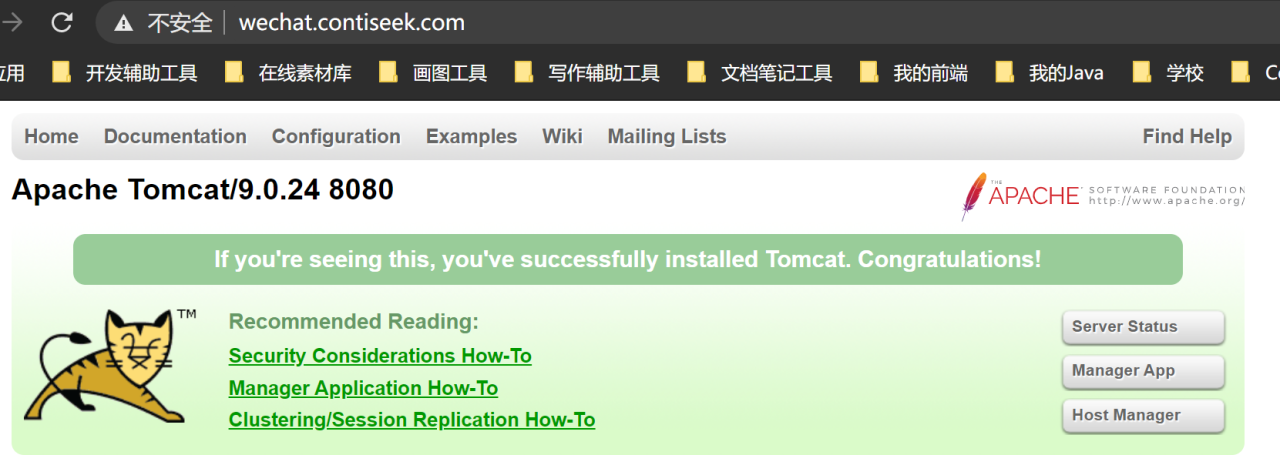
nohup ./frps -c ./frps.ini & nohup .nginx -c ./conf/nginx.conf & 启动后就可以通过 wechat.contiseek.com来访问本地 locahost:8080的资源。
原文链接:https://blog.csdn.net/qq_43550585/article/details/118711036
© 版权声明
声明📢本站内容均来自互联网,归原创作者所有,如有侵权必删除。
本站文章皆由CC-4.0协议发布,如无来源则为原创,转载请注明出处。
THE END